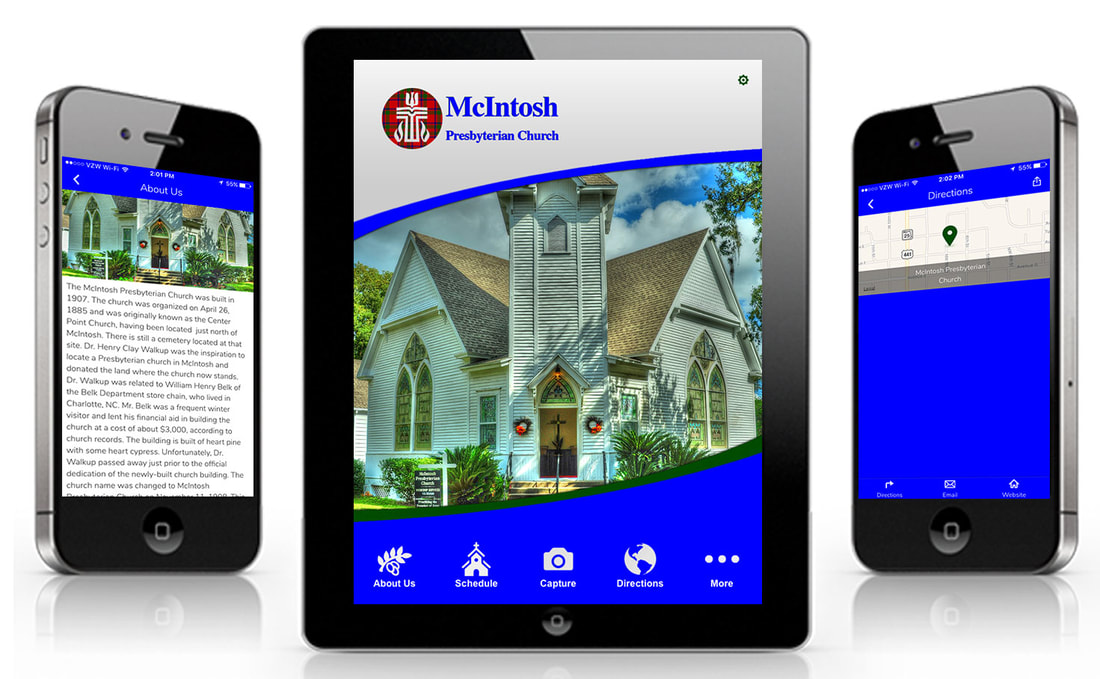
McIntosh Presbyterian - Mobile App
|
Apple Users:
1) Go to the below link in the Phone Safari Browser. 2) Click the little dots on the lower right of your screen. 3) Choose Share 4) Scroll down and choose "Add to Home Screen". This will save the app to your phone. https://mcintoshfl.web4uapps.com |
1227 N Peachtree Pkwy - Suite 186
Peachtree City, GA 30269
Phone: 877-814-0975
Email: [email protected]